">%0A<path d="M120.133 154.383C119.227 155.853 115.456 157.387 113.876 157.812C105.032 160.169 97.5274 158.884 89.3115 155.169C51.5963 138.09 65.9578 77.4186 20.572 63.1033L0 59.2033C41.3935 40.5906 71.3365 67.9921 81.9829 107.047C87.9807 129.043 88.0824 158.782 120.133 154.393V154.383Z" fill="black"/>%0A<path d="M120.133 154.383C119.227 155.853 115.456 157.387 113.876 157.812C105.032 160.169 97.5274 158.884 89.3115 155.169C51.5963 138.09 65.9578 77.4186 20.572 63.1033L0 59.2033C41.3935 40.5906 71.3365 67.9921 81.9829 107.047C87.9807 129.043 88.0824 158.782 120.133 154.393V154.383Z" fill="white"/>%0A<path d="M201.459 59.2033L201.016 61.0239C197.3 59.6469 190.471 60.5619 186.442 61.2735C169.483 64.2678 156.831 75.5149 149.198 90.5696C141.407 105.957 140.039 135.706 118.275 134.976C119.504 110.606 124.642 82.7696 144.142 66.1069C161.064 51.6529 181.396 50.664 201.45 59.1941L201.459 59.2033Z" fill="black"/>%0A<path d="M201.459 59.2033L201.016 61.0239C197.3 59.6469 190.471 60.5619 186.442 61.2735C169.483 64.2678 156.831 75.5149 149.198 90.5696C141.407 105.957 140.039 135.706 118.275 134.976C119.504 110.606 124.642 82.7696 144.142 66.1069C161.064 51.6529 181.396 50.664 201.45 59.1941L201.459 59.2033Z" fill="white"/>%0A<path d="M50.5632 151.102L50.9311 150.497C49.5704 149.872 47.9899 147.802 47.1033 146.536C43.3718 141.204 42.9965 134.818 44.9795 128.755C47.0095 122.561 54.5935 114.246 48.5826 108.626C42.3988 115.466 36.3336 124.278 37.0918 133.941C37.7512 142.325 42.9199 148.022 50.5582 151.102L50.5632 151.102Z" fill="black"/>%0A<path d="M50.5632 151.102L50.9311 150.497C49.5704 149.872 47.9899 147.802 47.1033 146.536C43.3718 141.204 42.9965 134.818 44.9795 128.755C47.0095 122.561 54.5935 114.246 48.5826 108.626C42.3988 115.466 36.3336 124.278 37.0918 133.941C37.7512 142.325 42.9199 148.022 50.5582 151.102L50.5632 151.102Z" fill="white"/>%0A<path d="M150.896 151.102L150.528 150.497C151.889 149.872 153.469 147.802 154.356 146.536C158.087 141.204 158.463 134.818 156.48 128.755C154.45 122.561 146.866 114.246 152.877 108.626C159.06 115.466 165.126 124.278 164.367 133.941C163.708 142.325 158.539 148.022 150.901 151.102L150.896 151.102Z" fill="black"/>%0A<path d="M150.896 151.102L150.528 150.497C151.889 149.872 153.469 147.802 154.356 146.536C158.087 141.204 158.463 134.818 156.48 128.755C154.45 122.561 146.866 114.246 152.877 108.626C159.06 115.466 165.126 124.278 164.367 133.941C163.708 142.325 158.539 148.022 150.901 151.102L150.896 151.102Z" fill="white"/>%0A<path d="M65.6069 52.6968C80.2643 27.0606 118.201 24.3992 134.882 49.3794C105.817 71.9752 100.984 114.847 108.109 148.829C103.22 145.76 101.474 139.495 100.06 134.246C96.5667 121.224 96.7236 107.435 93.8032 94.2934C90.1435 77.8434 81.7058 59.8683 65.6069 52.6968ZM101.41 41.7661C101.282 41.0974 100.187 41.0974 100.059 41.7661C98.4496 50.1692 95.804 52.8148 87.4009 54.4243C86.7322 54.5524 86.7322 55.6468 87.4009 55.7749C95.804 57.3844 98.4496 60.03 100.059 68.4331C100.187 69.1018 101.282 69.1018 101.41 68.4331C103.019 60.03 105.665 57.3844 114.068 55.7749C114.737 55.6468 114.737 54.5524 114.068 54.4243C105.665 52.8148 103.019 50.1692 101.41 41.7661Z" fill="black"/>%0A<path d="M65.6069 52.6968C80.2643 27.0606 118.201 24.3992 134.882 49.3794C105.817 71.9752 100.984 114.847 108.109 148.829C103.22 145.76 101.474 139.495 100.06 134.246C96.5667 121.224 96.7236 107.435 93.8032 94.2934C90.1435 77.8434 81.7058 59.8683 65.6069 52.6968ZM101.41 41.7661C101.282 41.0974 100.187 41.0974 100.059 41.7661C98.4496 50.1692 95.804 52.8148 87.4009 54.4243C86.7322 54.5524 86.7322 55.6468 87.4009 55.7749C95.804 57.3844 98.4496 60.03 100.059 68.4331C100.187 69.1018 101.282 69.1018 101.41 68.4331C103.019 60.03 105.665 57.3844 114.068 55.7749C114.737 55.6468 114.737 54.5524 114.068 54.4243C105.665 52.8148 103.019 50.1692 101.41 41.7661Z" fill="white"/>%0A</g>%0A<defs>%0A<clipPath id="clip0_126_64">%0A<rect width="201.459" height="127.008" fill="white" transform="translate(0 31.9958)"/>%0A</clipPath>%0A</defs>%0A</svg>%0A)
Image to Video: Bring a Still Frame to Life
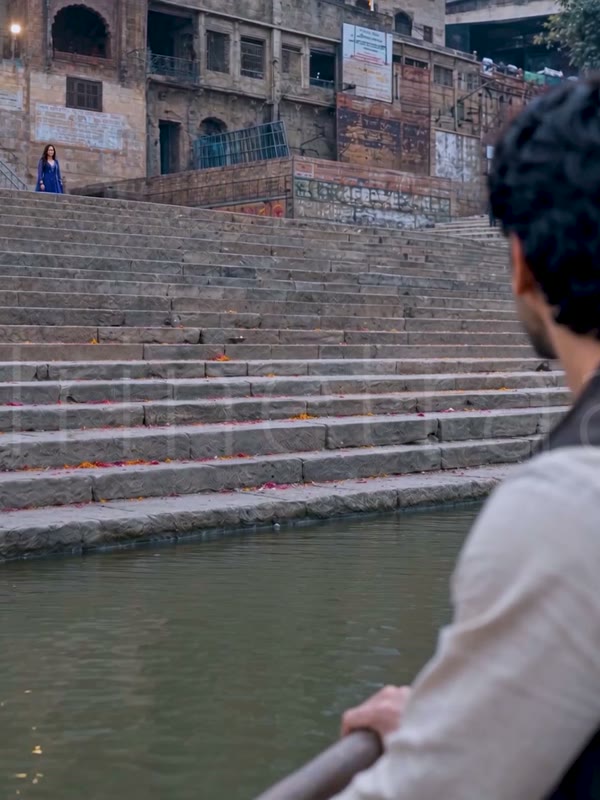
Image to video is the animation of a still image into a moving clip, adding motion, camera movement, and often sound. Trinetra AI generates this through Rudra and can voice the result in 12 Indian languages with Damrooh.
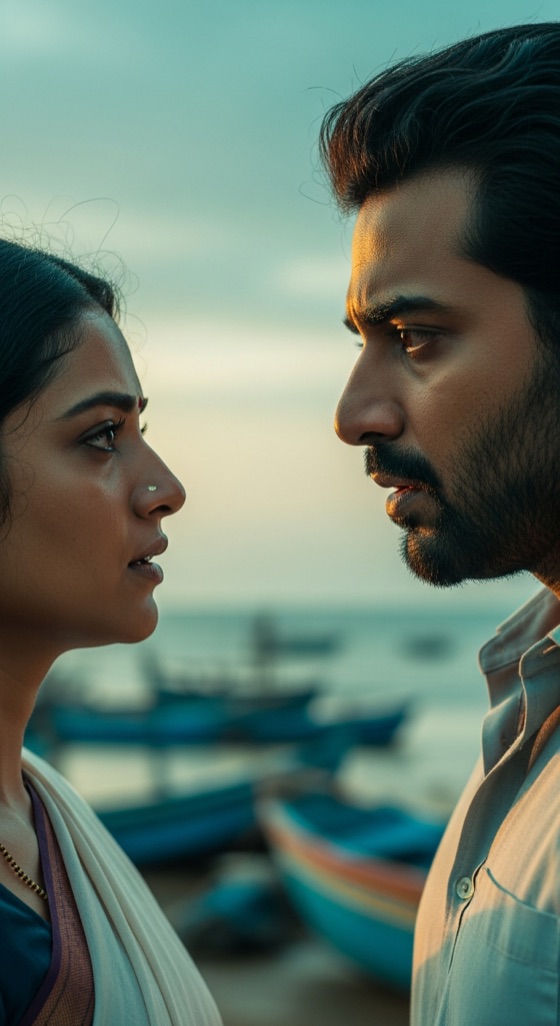
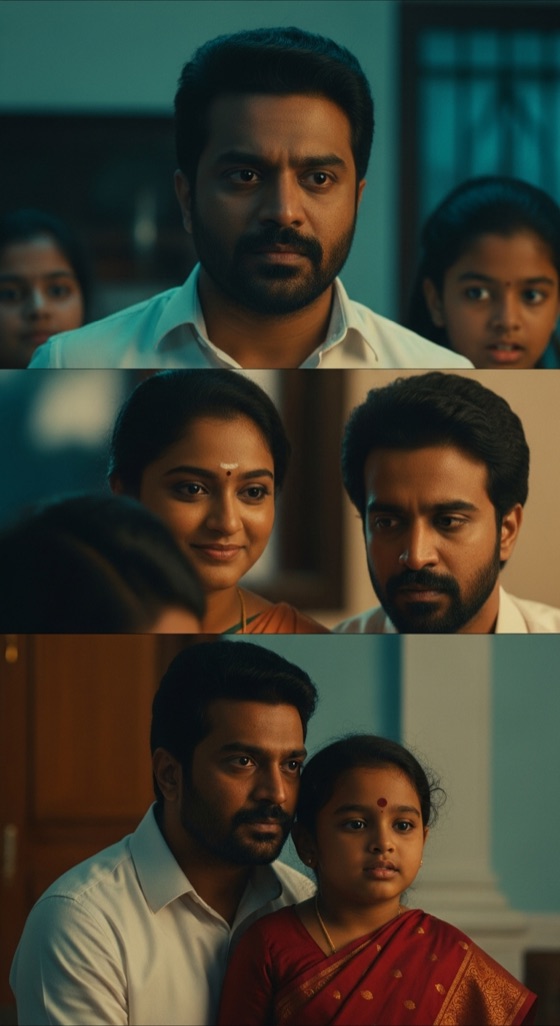
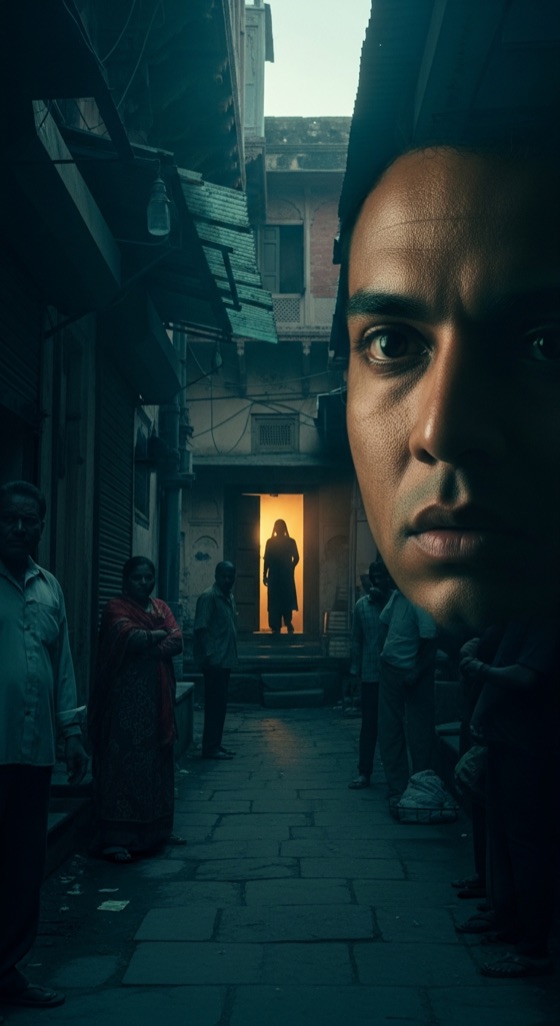
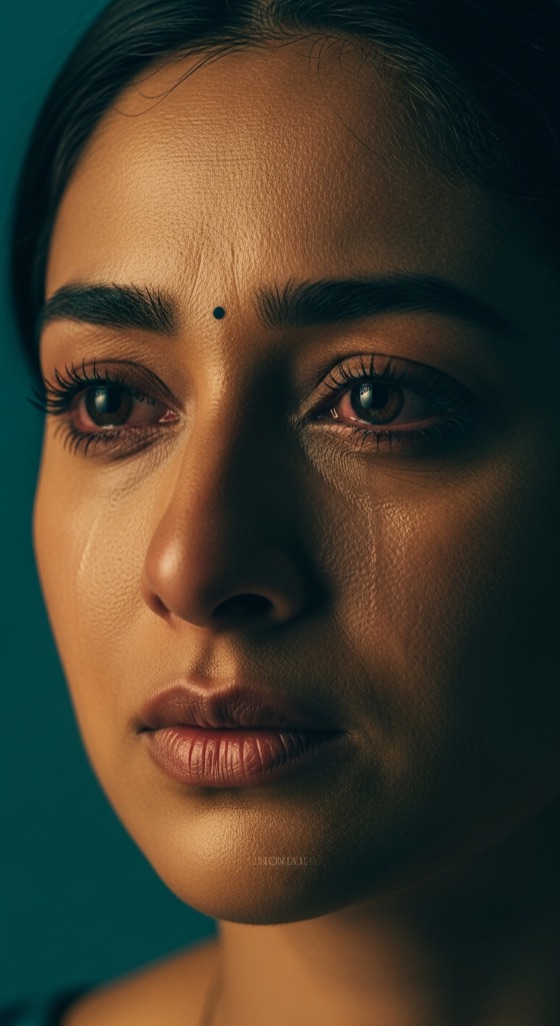
A single image already carries a mood; the job is to make it move without breaking it. Rudra animates your still with camera pushes, subtle subject motion, and lighting shifts that respect the original composition instead of overwriting it.
This is where character consistency pays off. Start from a keyframe of your protagonist and Rudra extends that exact face and wardrobe into a full shot, which is why image to video is a reliable way to lock a character before a longer sequence.
For microdrama and reels, a strong poster frame becomes a three-second hook. Add a Damrooh voice line in Hindi or Tamil and a static concept art turns into a scroll-stopping vertical clip ready for the Bullet feed.
Script in. Episode out.
INT. HAVELI — NIGHT

MEERA turns, eyes wet.

         MEERA
   You lied to me. Every word.

The lamp flickers. He says nothing.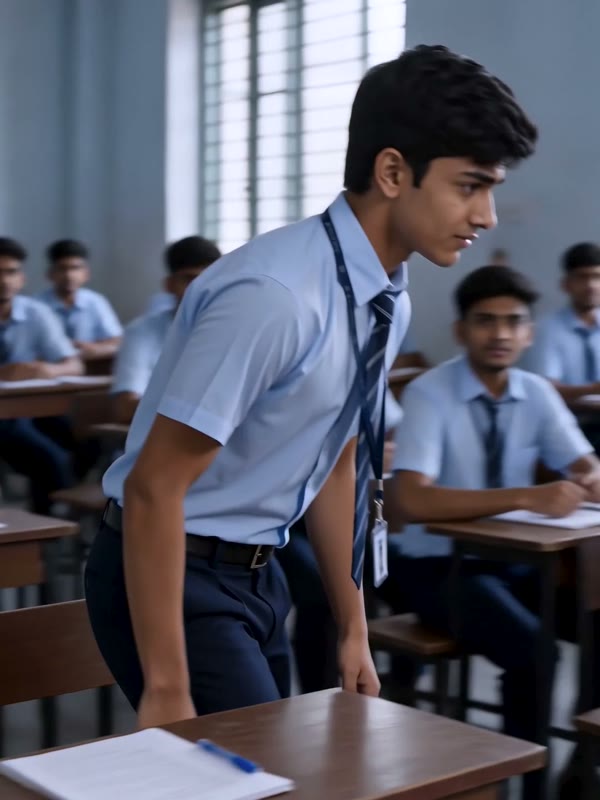
Natural Motion
Rudra adds camera and subject movement that respects the original frame's composition and lighting.
Character Lock
Animate from a keyframe to hold a specific face and wardrobe across the resulting shot.
Vertical Ready
Output is sized for microdrama and reels, turning a poster frame into a hook.
Add A Voice
Damrooh can layer dialogue or narration in 12 Indian languages onto the animated clip.
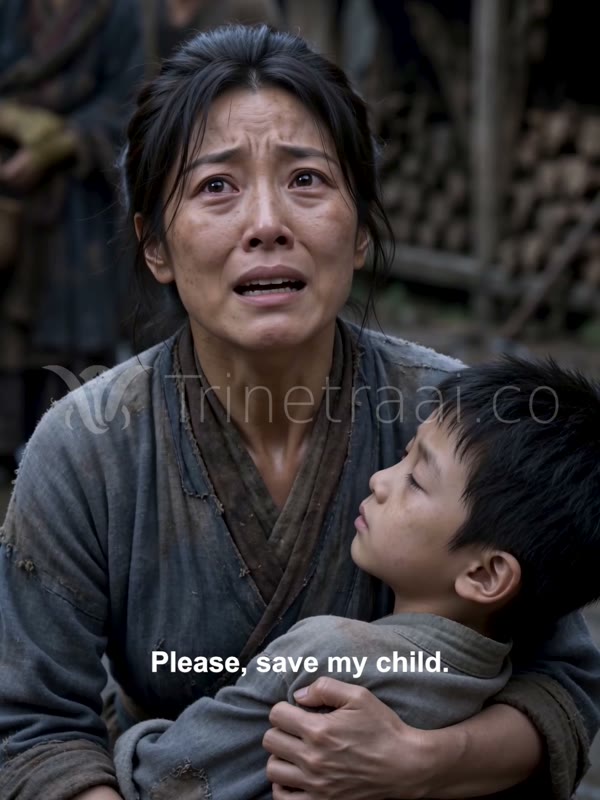
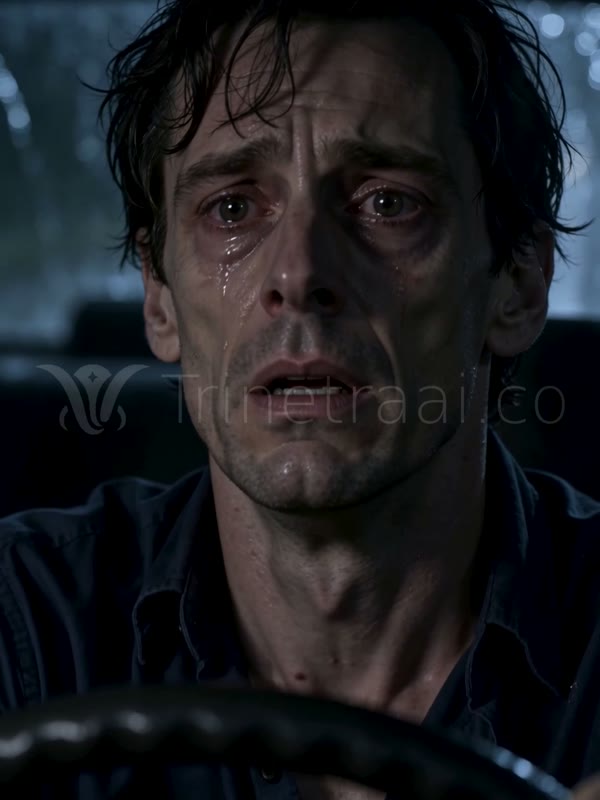
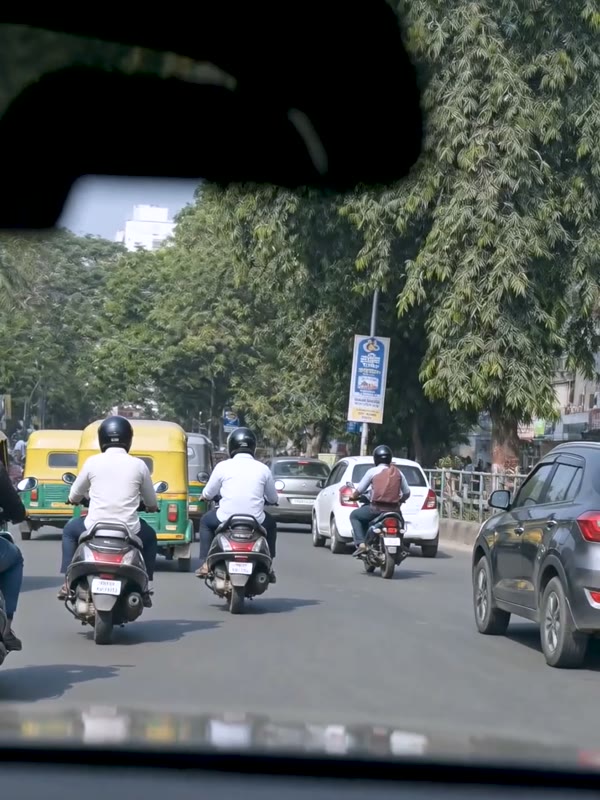
Real episodes · made on Trinetra
Questions, answered
What is image to video?
It is the process of turning a static image into a moving video clip with added motion and camera movement. Trinetra AI does this with Rudra and can add multilingual audio.
Will it keep my image's look?
Yes. Rudra adds motion while respecting the original composition, lighting, and subject, so the clip stays true to your still.
Can I animate a character keyframe?
You can. Starting from a character keyframe helps lock a consistent face and wardrobe before extending into a longer sequence.
Does it add sound?
Damrooh can layer dialogue, narration, or music in 12 Indian languages and 25+ dialects onto the animated result.
What is it good for?
It is ideal for turning poster frames and concept art into vertical hooks for microdrama and reels that stop the scroll.